There are two settings for static storage in Radio2, and the way they work together is not documented, until now.
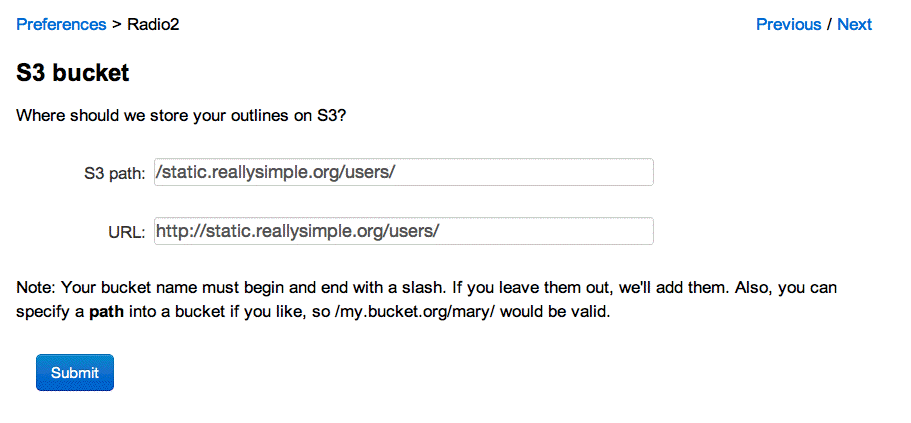
First, there's the storage that's configured through the Radio2 prefs section in the OPML Server website. Here's a screen shot of that prefs page. If you set the path and provide the corresponding URL, you're all set.
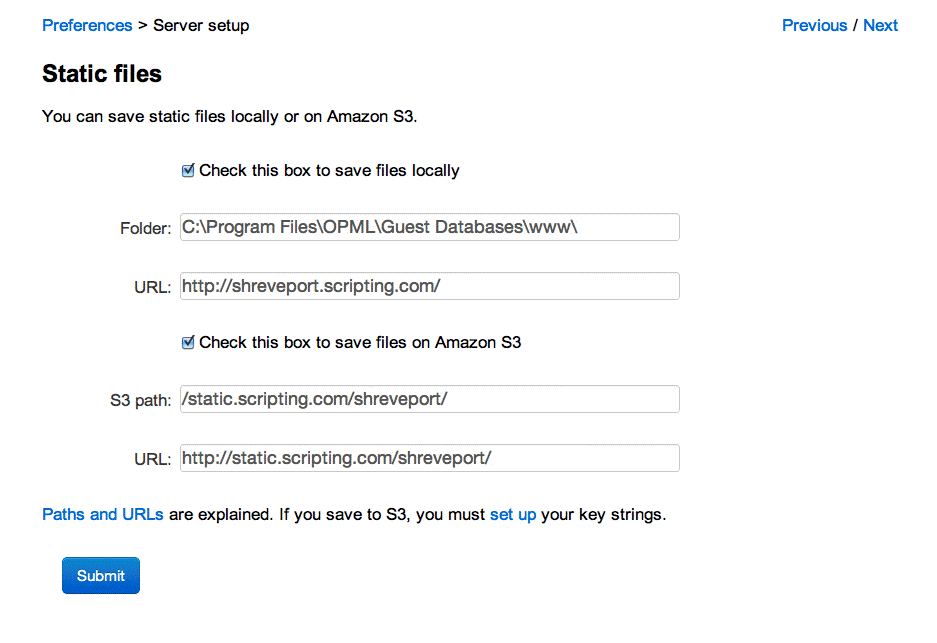
You can also set the Static files prefs, in the Server setup section of the OPML Server prefs. Screen shot.
If you set those up, the feeds will also be written to the locations they specify.
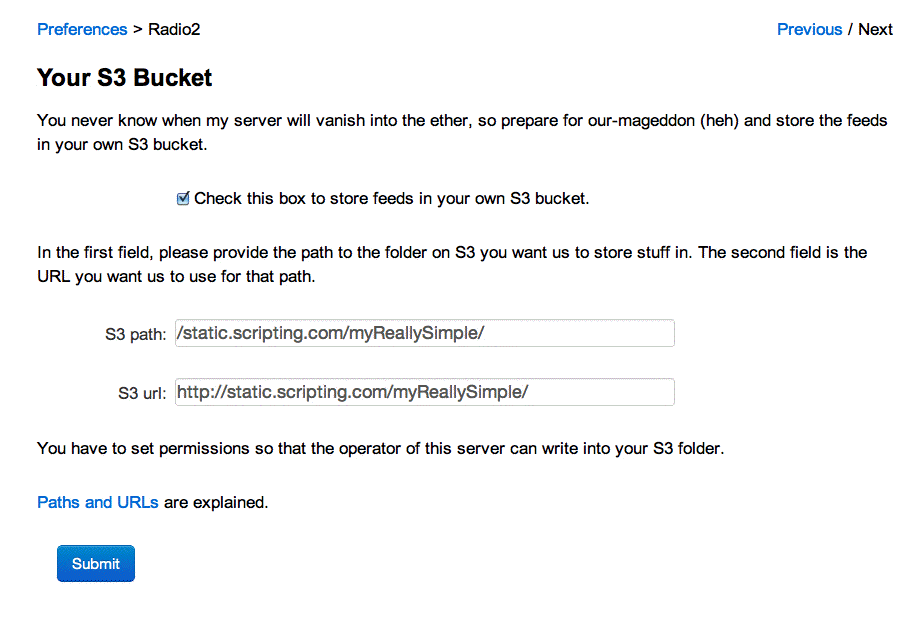
Further, the user can specify a bucket to have his or her feeds written to. If they do, then the files will also be written there. Screen shot.
So you can have up to three different locations where the feeds are written. And since the Static files prefs allows you to write the files locally and to S3, there are up to four locations where the files might be written.
Luckily file writing is really fast, so you don't have to worry about this bogging down your server. :-)
The Static files prefs are the newest, and the goal is that eventually they will be the main mechanism through which files are written. Then each of the apps will just hook into the locations specified there. The Radio2 files will go to a sub-directory called radio2, River2 to river2, etc. So all static file writing will be specified in one place for each server. But we're not there yet.
To get there, I need a group of server users, maybe just three or four, who test every step with me. We used to have that, but for some reason the server sysops stopped reporting breakage. Until we get a good test group to work with me, I can't attempt a major corner-turn like this.