Last update: Fri, Jun 8, 2012 at 4:37 PM.
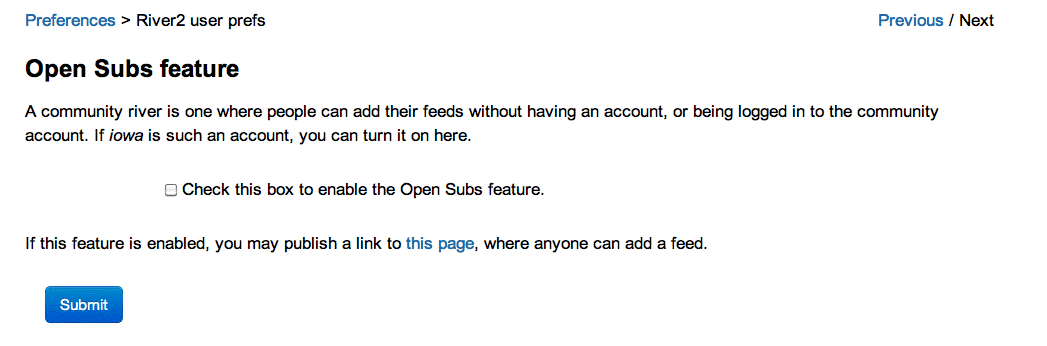
River2 has a page which lets you quickly subscribe to a feed if the "Open Subs Feature"
pref is checked off.
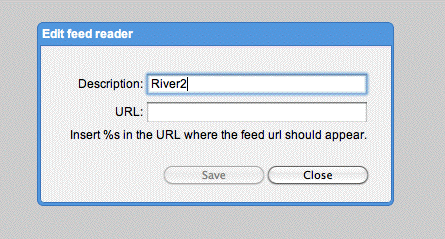
It now accepts a url parameter when opening the page, so you can configure Chrome to subscribe via River2 in addition to the other feed readers it supports.
-
Obviously you'd use the name of your server, and your username.
When you subscribe via Chrome it will fill in the URL of the feed where the %s is.
And the URL will appear in the format that River2 puts up.
Very sick! :-)
-