Click here to show or hide the menubar.

WorldOutline conversion


Okay let's see what it would take to convert worldOutline.root to the new UI regime.

1. Convert worldoutlinesuite.viewmenu. Done, here's a screen shot.

2. Revise the template. What's interesting is that I, as a user, completely control this.

Moved the menu out of the <div id="header"> and deleted the header div.

That made the menu look reasonable, except for the status message.

Problem with the status message is that divOpmlMenubarStatus is not defined. Solved the problem in a non-optimal way in worldOutlineSuite.setDefaultAtts by adding webApp.data.styles to the end of the systemstyles macro text.
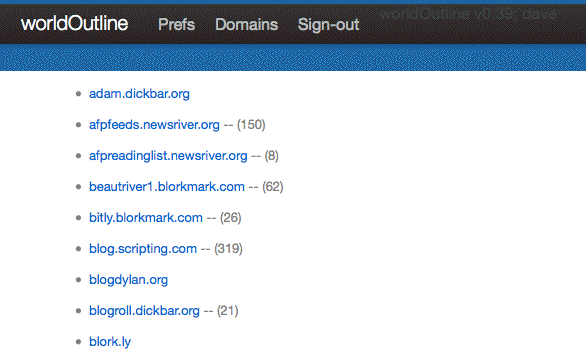
3. Add worldOutline to the dropdown menu. FTW.

We need to be sure the domain in config.mainresponder.domains is the one the sysop wants to use.

Need a system-level pref for this?

4. Convert the Prefs.

Done. But they still need to be split into system-level and user-level.

5. Change the name in worldOutline.root from worldOutline to World Outline.

Time for a break!!


Posted on Thursday, September 22, 2011 at 12:35 PM by Dave Winer.