Last update: Fri, Sep 23, 2011 at 8:12 PM.
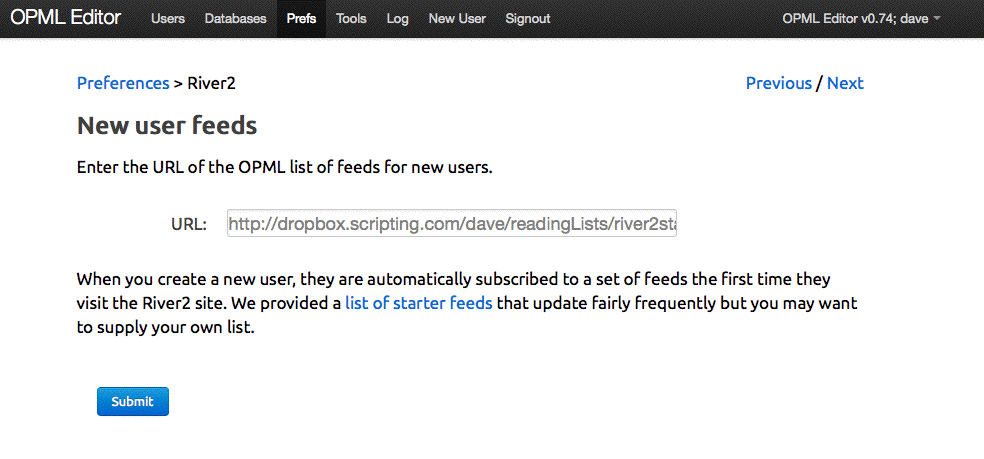
When you create a new user, they should not have an empty feed list or news page.
So, when we create a new River2 user table, we also subscribe them to a set of default feeds.
This is done in river2Suite.firewall when the new user shows up on the River2 site for the first time.
There's a new prefs page that lets the sysop enter the URL of their own reading list. It defaults to a
reading list I maintain.
-
1. Create a new user in the opmlEditor menu. Username is testuser. (If you're using SLIde, as I am, you have to create the new user on the SLIde server. )
2. Log in as test user in the opmlEditor site.
3. Visit the River2 site.
4. Visit the Feeds page.
You should see some feeds.
-
river2Suite.data.defaultFeeds
river2Suite.data.prefsOutline
river2Suite.init
river2Suite.subscribeToFeedsInList
river2Suite.subscribeUserToFeed
river2Suite.firewall