Last update: Fri, Sep 9, 2011 at 10:05 AM.
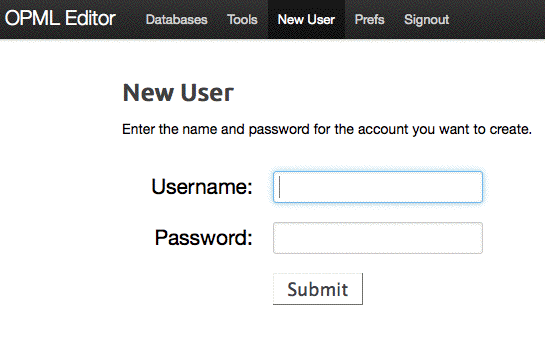
There is now a New User
command in the opmlEditor website:
Previously the only place you could create a new user was in the Blork menu. This obviously is not the right place for it, because you might want to create a new user for any app -- River2, Radio2, the photo tool, etc etc.
Also there should be a prefs panel to hook up membership to SLIde. Also in the OPML Editor menu. (But that comes later.)
Also fixed a bug in webApp.viewMenu where if the pagename had an uppercase character in its name it wouldn't get highlighted as active in the menu. This bug showed up in viewing the newUser page.
-