Last update: Mon, Sep 17, 2012 at 1:14 PM.
Cori asked for this feature, and it's a good one.
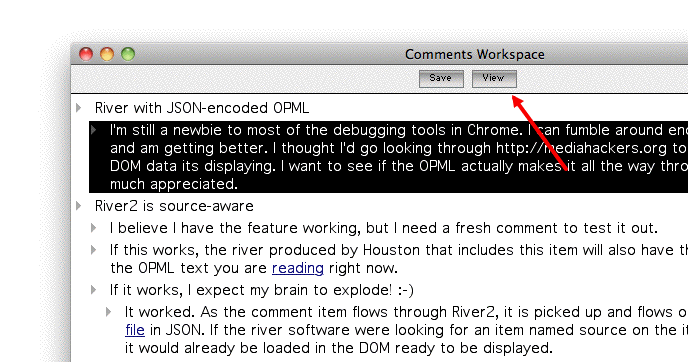
There's now a View button on the Comments Workspace window.
When you click it, the web browser comes to the front and opens the page that the comment is in response to.
-
Launch the OPML Editor. Choose Update opml.root from the File menu.
Close the Comments Workspace window if it is open.
Click the green OPML button in a comment-enabled web page.
You should see the View button.
-