Every time I want to start a new project with the outliner I have to do a whole bunch of stuff over again. It's not hard, but it's repetitive and there's always been a feeling that I was wasting time.
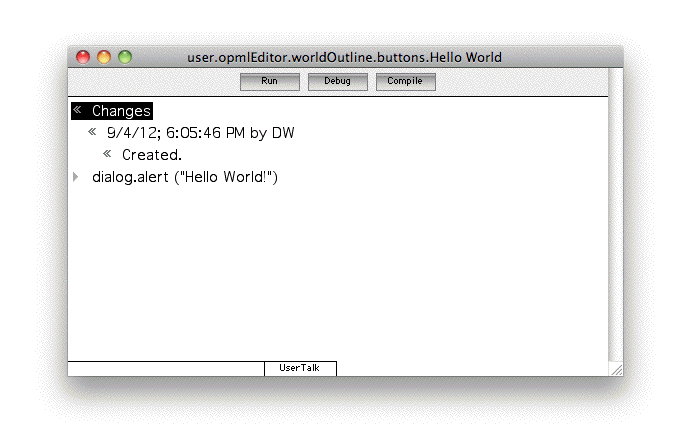
Then it hit me. Let's allow user-specified buttons for worldoutline windows.
Obviously not for everyone. But really not all that hard to do. And it would open up a lot of doors. Why didn't I think of this sooner. :-)
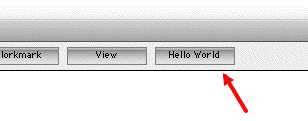
When we open a window look in a user.worldoutline.buttons. Any scripts in that table are copied into the end of the button table. They will appear at the end of the button bar in the window
The button table that's attached is at temp.opmlEditor.worldOutline.buttons.